How to activate Blue Light Wavelengths on a Kivo PRO Panel
WARNING: USING BLUE LIGHT THERAPY CAN PERMANENTLY DAMAGE YOUR EYES. ALWAYS USE KIVO GOGGLES WHEN USING BLUE LIGHT THERAPY.
Blue light LED's on your PRO panel are disabled by default for safety. You can enable blue light therapy LED's by following these instructions
Switch on your Kivo Pro Panel at the power socket
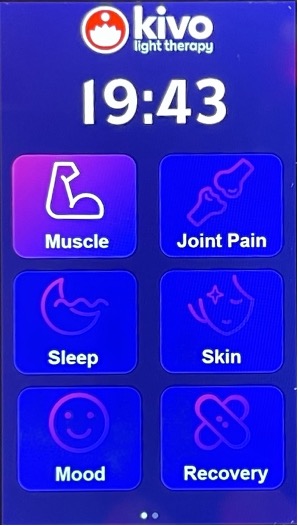
Your panel will either show 6 shortcuts (so swipe right to get to the customization screen), or show the light therapy customization screen.
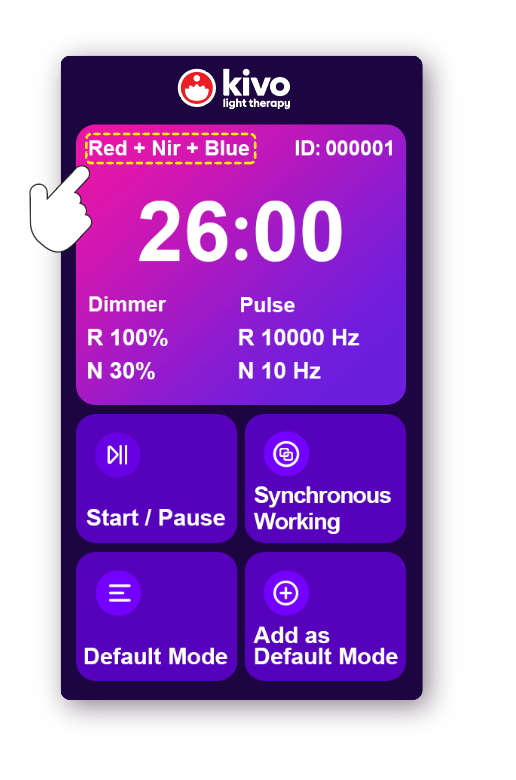
Press the timer in the top section.
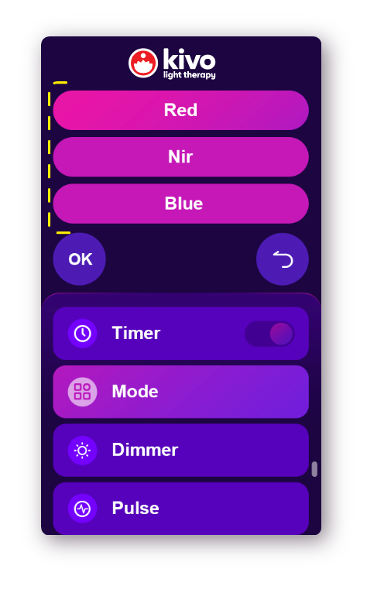
Press MODE, Blue mode will show slightly dimmed if it's not active, and bright if it is enabled, then press OK. Other wavelengths will show the same if they are enabled or disabled.
Note: Only RED and NEAR-INFRARED modes can be dimmed / pulsed.
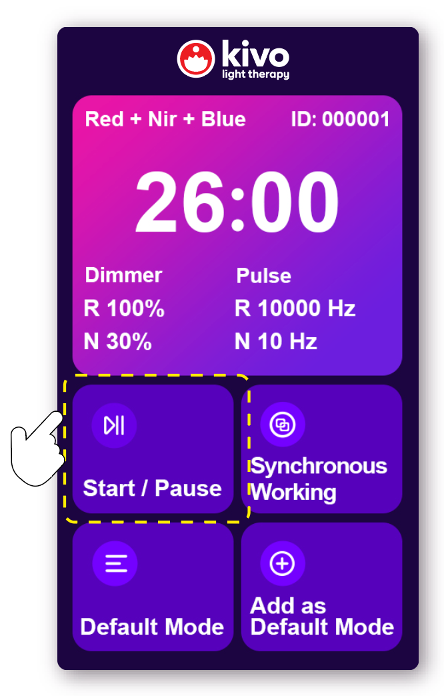
You can press START / PAUSE to activate and start the light therapy session.
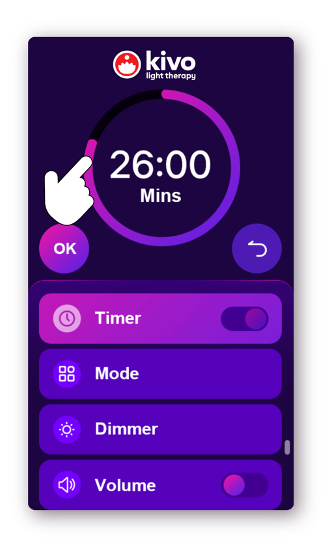
or adjust the timer to set your own time.
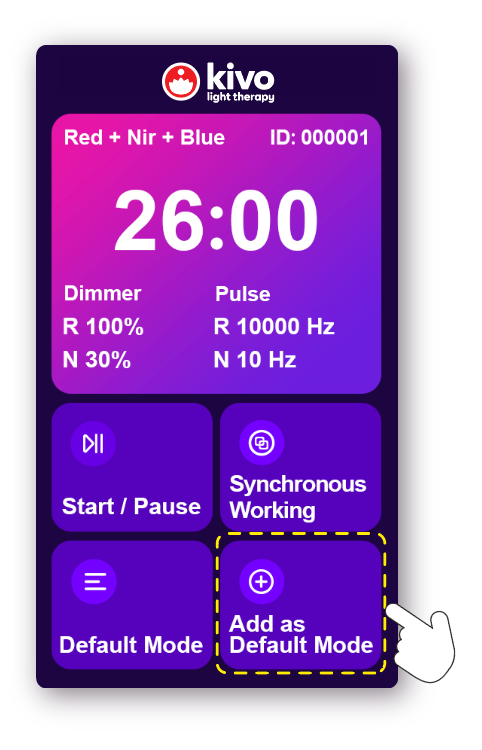
You can set the current settings for time, pulse, dimming level, and light wavelength mode as a default mode